
Within HITS Digital, you can create a customized sales dashboard for your business that reports finalized sales (invoices & batch invoices) in real-time.
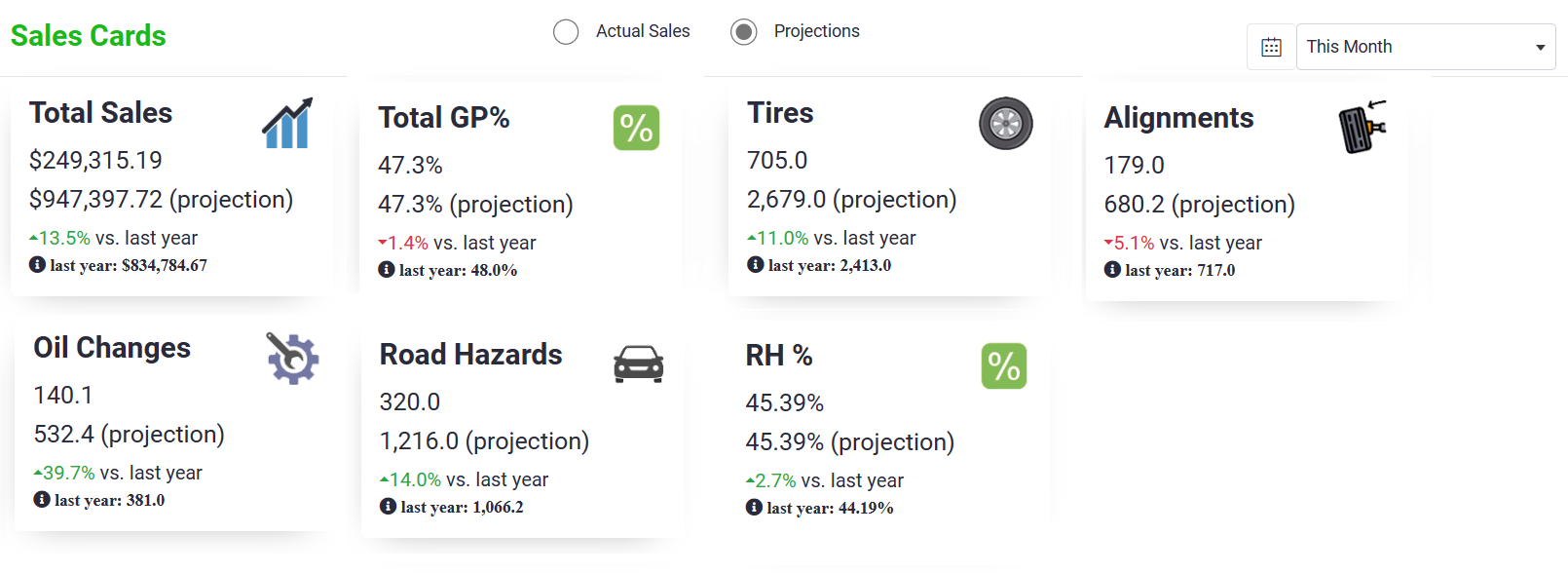
This dashboard is easily accessible and readable from your mobile device, allowing owners and managers to keep an eye on performance while out of the shop.
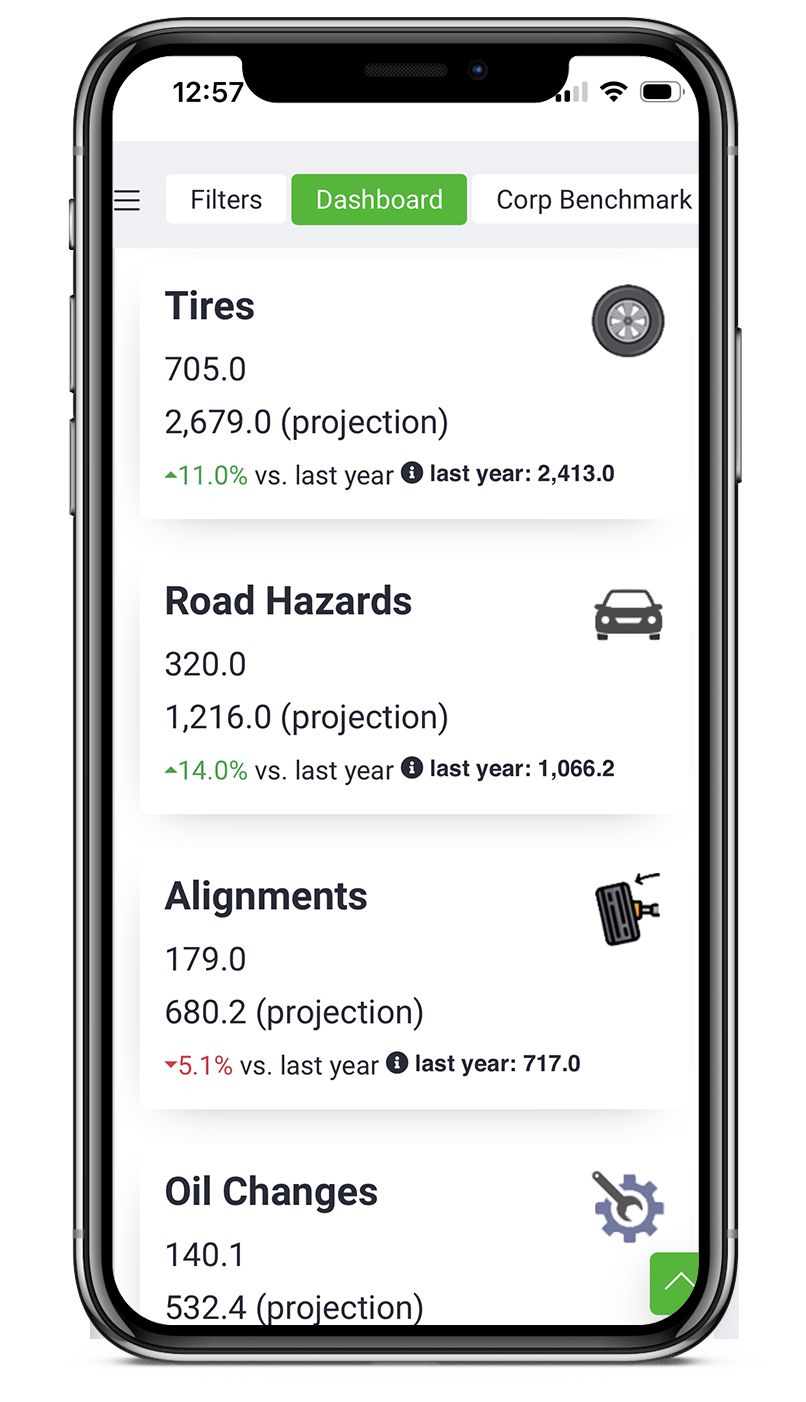
Cards (the individual metrics) on the Dashboard can be configured with your shops unique requirements. Cards can based on:
- Sales ($)
- Quantity/ Units
- Gross Profit ($)
- Gross Profit (%)
- Ratios (i.e.. percentage of alignments sold per set of tires)
- Ticket Count/ Car Count
The card will show the primary date range on the first row (i.e. MTD), a secondary date range on the second row (i.e. YTD), and a delta over the previous period on the third row (i.e. Last YTD).
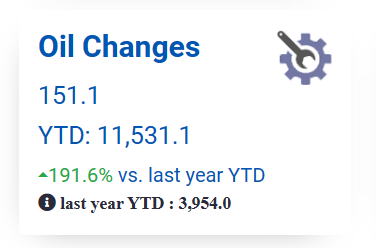
Cards can be based on actual sales or projected sales for a date range.
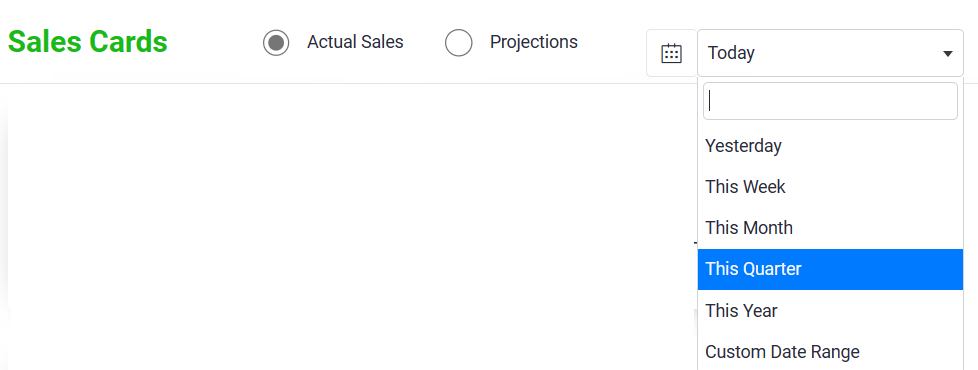
The dashboard can be filtered for location, salesrep, or customer. To set filters for data showing on the dashboard, go to the Filters tab. Enter any of the filters show below and click Update Results for the dashboard to reflect these filters. These filters will be saved on your computer until you change or clear them.

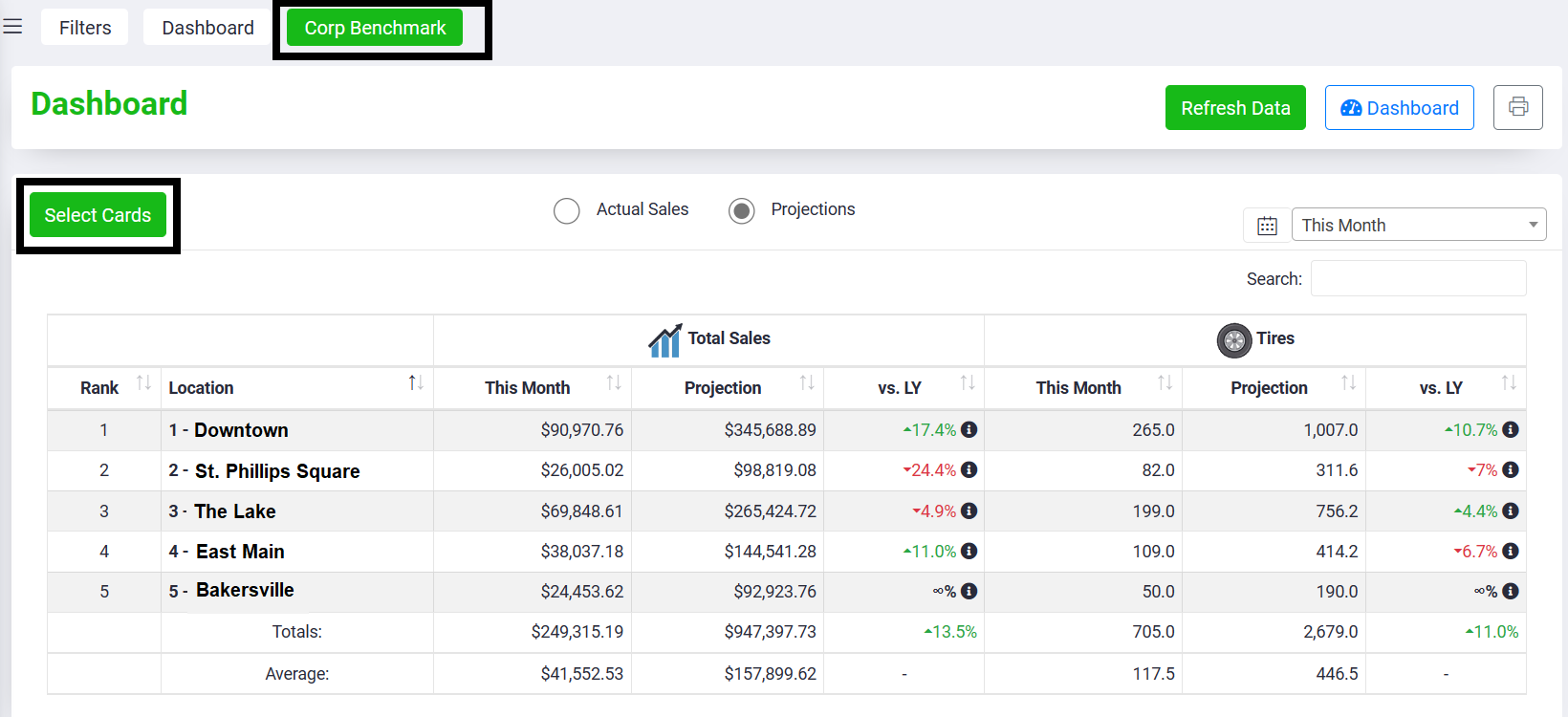
Alongside the main dashboard, is the Corporate Benchmark Dashboard. If your business is multi-store, you can select which cards to benchmark across all of your locations.
For assistance setting up your HITS Digital dashboard, contact HITS Support.