
Creating a quote is a great way to give a potential customer specific and accurate parts & labor pricing. Once a customer agrees to a job, it is incredibly easy to convert their quote into a workorder. This guide walks through the steps for converting a quote to a work order in the HITS system. The process is straightforward and involves using the Convert/Merge button on the quote ticket. Screenshots are recommended to enhance understanding.
Note: Quotes do not affect your available quantities. Once a user converts a Quote to a Workorder it does affect and reduce available quantities.
Opening the Quote:
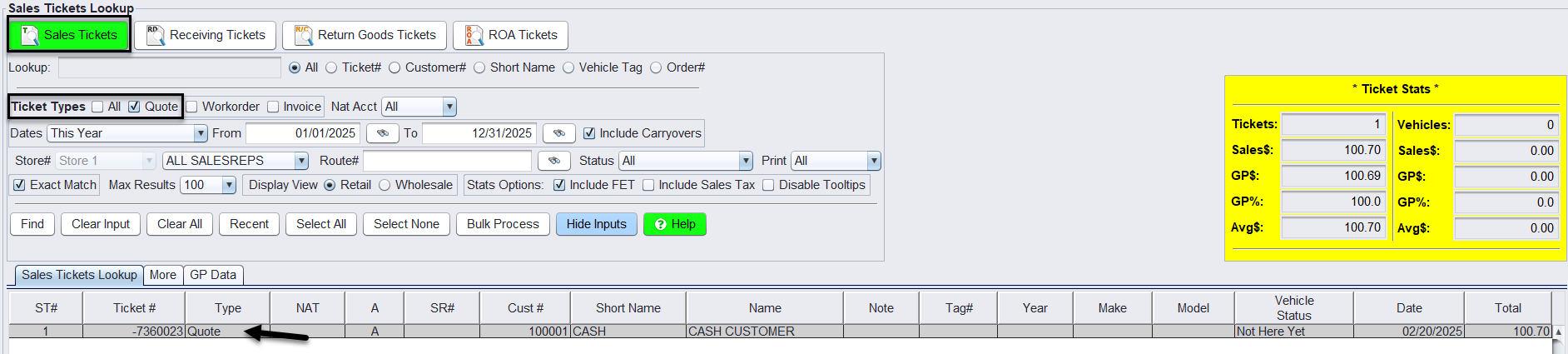
From the Ticket Lookup Screen: Begin by locating and opening the quote either from the Ticket Lookup Screen or by entering the ticket number directly.
Converting the Quote:
1.With the quote open, navigate to the bottom of the screen and click on the Convert button.
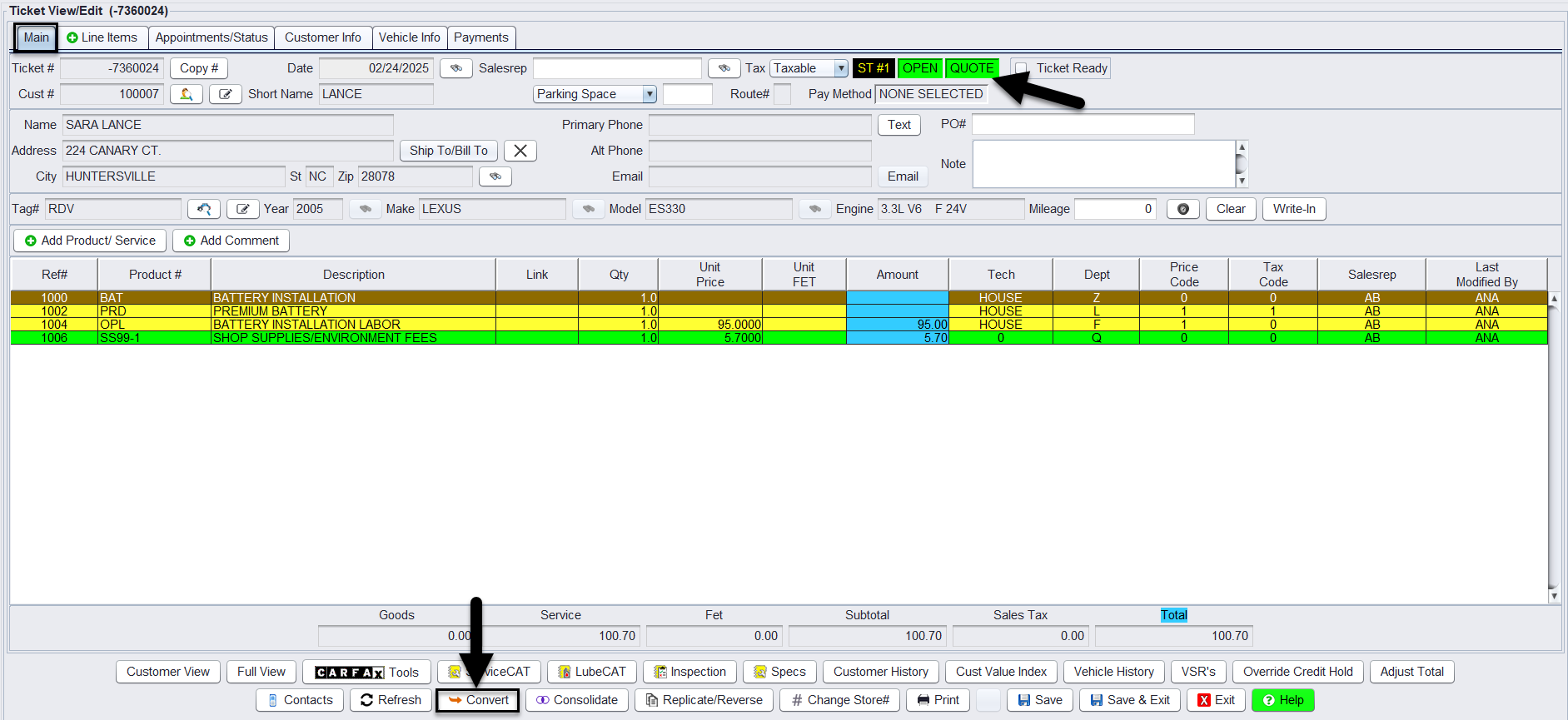
2. Click on the Convert button:

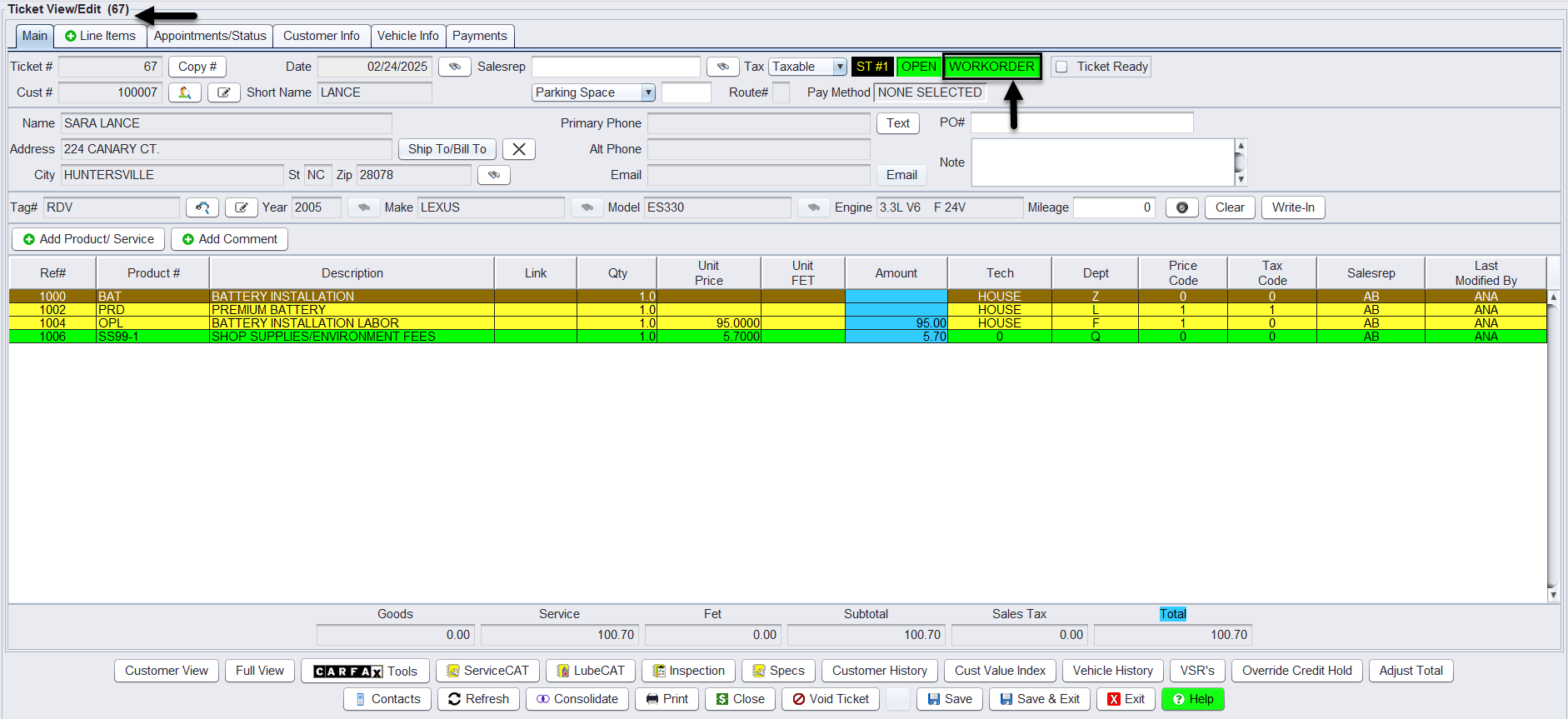
3. After conversion, verify that the quote has been successfully converted into an open work order. Your quote has now been converted and you may edit as needed:
Option Settings:
**Note – Users must have password permission to create and edit invoices (P16). If you need to give a user permission to invoice, please contact your system administrator.