
HITS Digital Analytics provides access to a wide range of reports designed to help analyze sales performance, trends, and business activity across your store or organization.
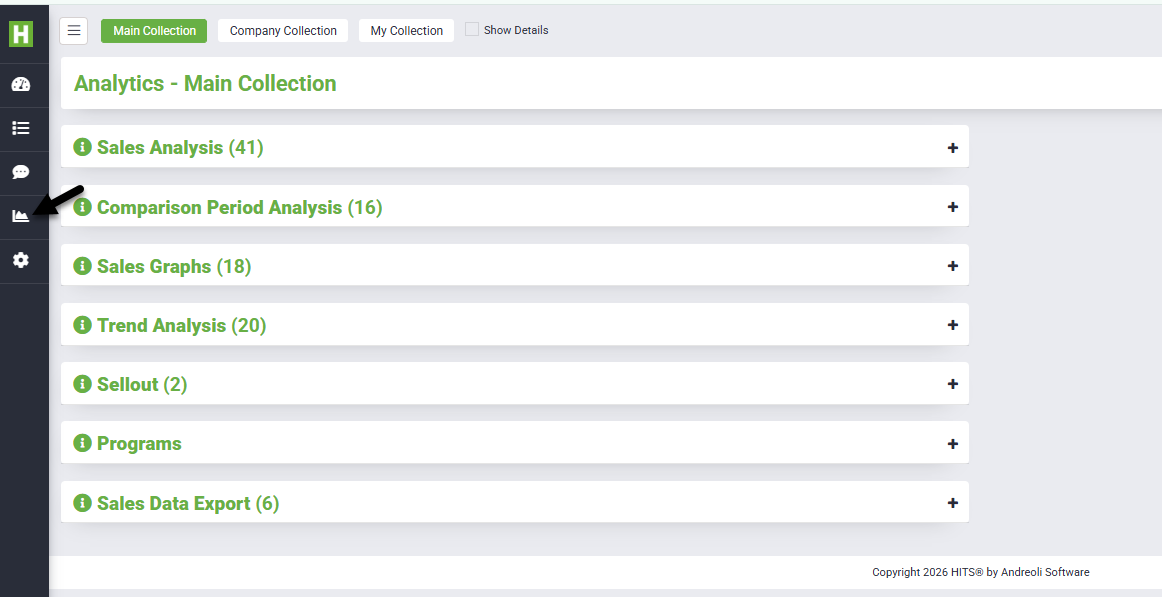
Analytics can be accessed by clicking the Analytics (bar chart icon) from the left-hand menu.
Analytics Collections Overview
Within Analytics, reports are organized into collections:
- Main Collection – Standard reports available to all users
- Company Collection – Shared reports created at the company level (multi-store)
- My Collection – User-specific saved or custom reports
Each collection contains categorized report groups to help quickly locate the data you need.
Report Categories
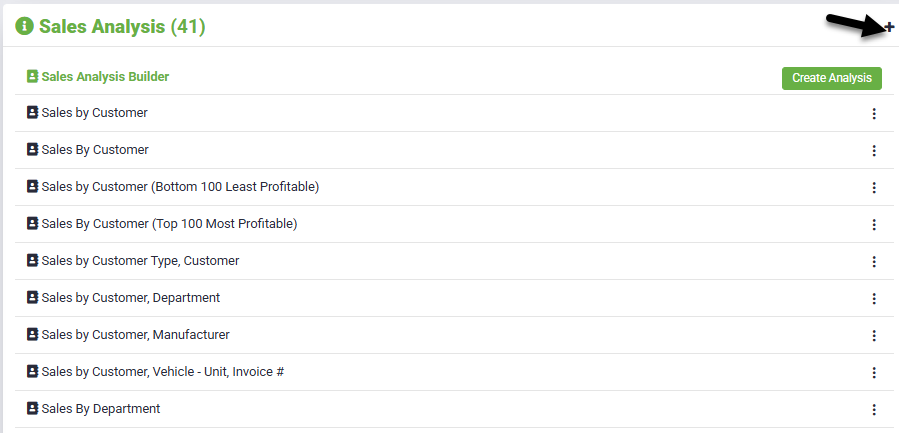
Sales Analysis
Provides detailed breakdowns of sales performance.
- Sales by customer, invoice, or product
- Department and manufacturer performance
- Gross profit and revenue insights
Best used for: daily operations and financial review
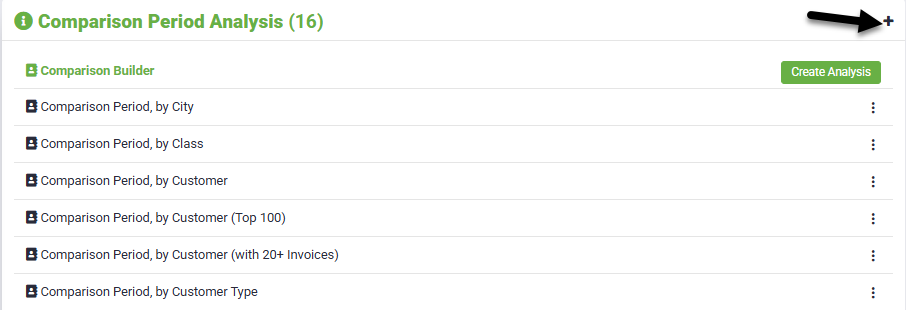
Comparison Period Analysis
Compares performance across different time periods.
- Year-over-year comparisons
- Month-to-date vs prior periods
- Trend comparisons across date ranges
Best used for: identifying growth or decline trends
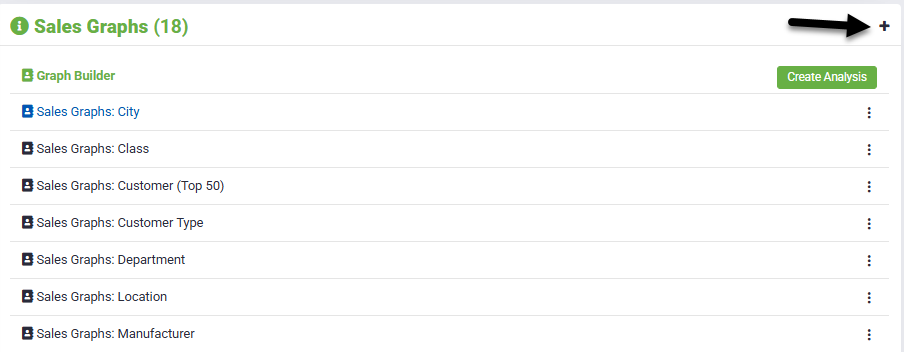
Sales Graphs
Visual representations of sales data.
- Graph-based sales trends
- Revenue and quantity visualization
- Easy-to-read performance summaries
Best used for: quick visual insights and reporting
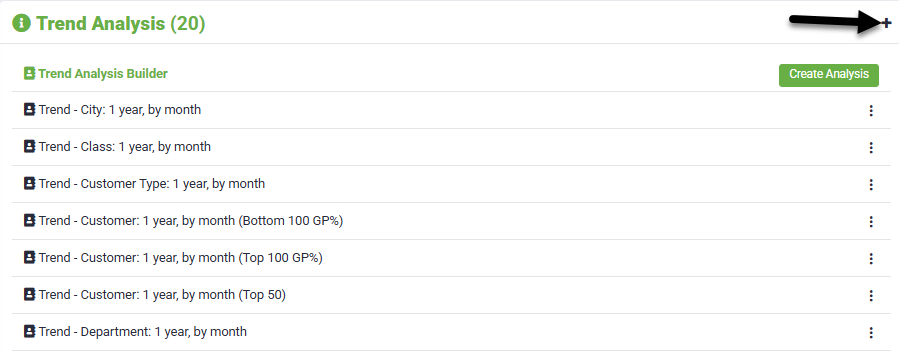
Trend Analysis
Focuses on long-term patterns in your data.
- Sales trends over time
- Product movement trends
- Performance tracking across periods
Best used for: forecasting and long-term planning
Sellout
Provides access to manufacturer-specific sellout reporting used for dealer programs and vendor reporting.
Sellout reports are designed to meet manufacturer requirements and include detailed sales data such as invoice information, product codes, quantities, and pricing.
For full setup instructions, supported manufacturers, and automation options, please refer to the Sellout Reporting Documentation.

Programs
Provides access to reporting related to customer and manufacturer incentive programs, including tracking qualified sales and reward calculations.
Programs can be used to monitor purchase activity, calculate rewards (dollars, percentages, or points), and support customer-facing tracking through Tirelink.
For full setup instructions, program rules, and configuration details, please refer to the Programs Overview documentation.
Using Reports
Click the “+” icon next to a category to expand available reports.
Click the report name to open and customize the report.
- Once opened, adjust filters such as:
- Date range
- Location
- Customer
- Department / Manufacturer
- Customer Category
- Click Run or Update Results to apply your changes
- Click Submit before saving any report customizations
- Reports can be exported or customized depending on permissions
HITS Digital is an add-on. Please reach out to Sales or Tech Support for detailed information on cost.