
You can organize links into groups, such as Parts, Tires, or Internet, and open them from within HITS.
Add a website link
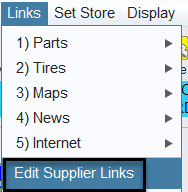
- From the HITS Sales Counter menu, select Links > Edit Supplier Links.
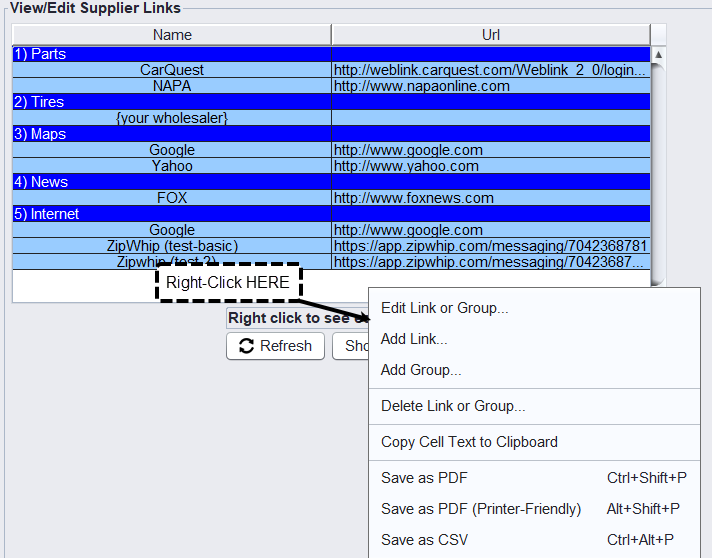
- In the View/Edit Supplier Links window, right-click and select Add Link.
- Enter a name for the link and its website URL, then place it in the appropriate group.
- Save the link and return to the Links menu to access it.
Organize your links
To create a category, right-click in the View/Edit Supplier Links window and select Add Group. You can also right-click an existing link or group to edit or delete it.
Tip: Use a recognizable name for each link so your team can quickly find the website they need.