
HITS allows users to create a Follow-Up Ticket during the ticket closing process. This can be used for courtesy reminders, scheduled service, or future customer contact.
This feature is available whether you choose Close & Print or Close Only.
How It Works
When closing a ticket, check the Create Follow-Up Ticket option.
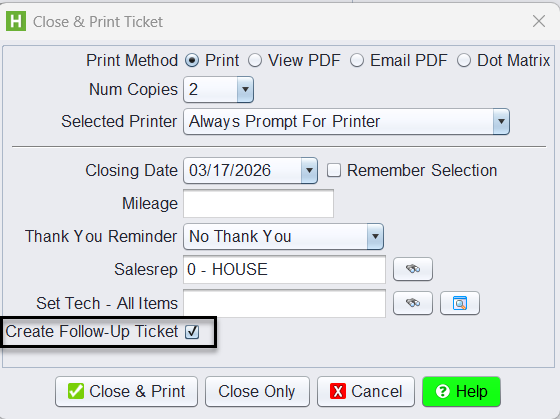
This opens the Create Follow Up Ticket window:
- Leave the Ticket # blank (it will auto-assign)
- Set a Follow Up Date
- Choose to calculate the date:
- By Days Old
- By Date

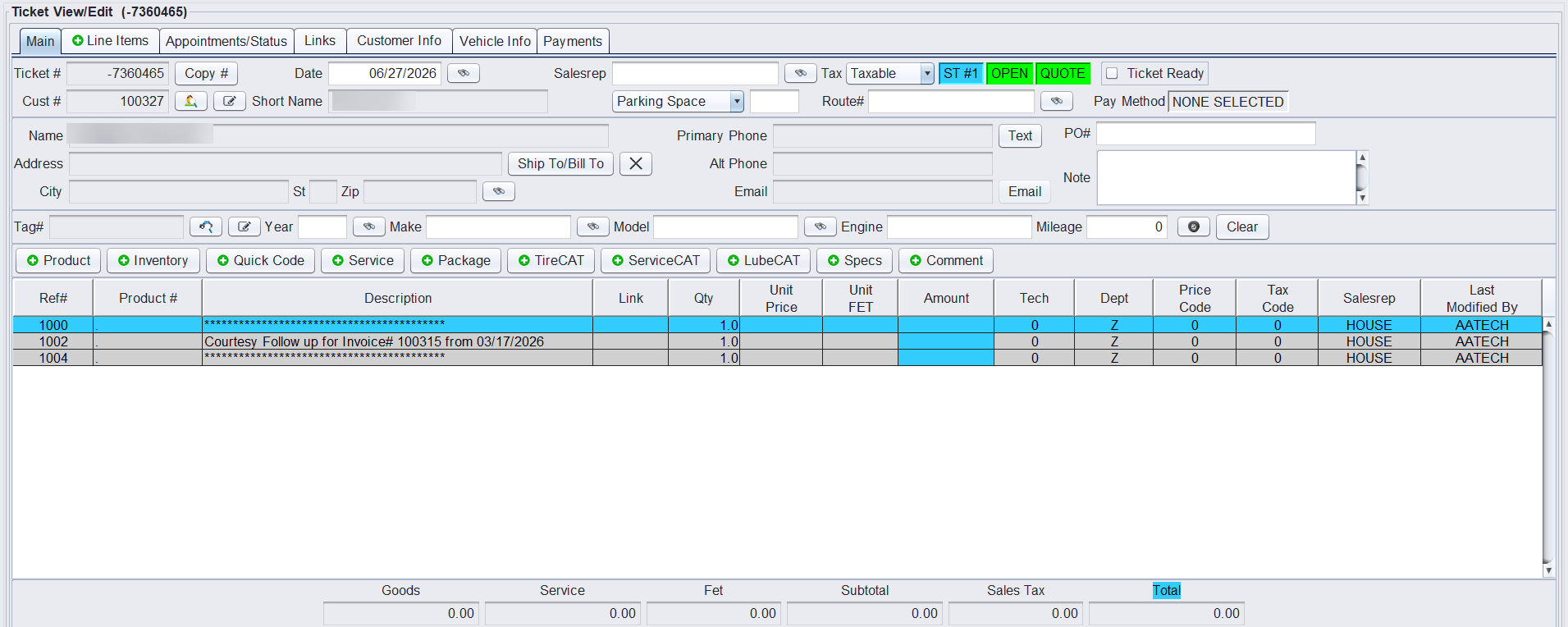
Once created, the system generates a new follow-up ticket as a Quote with a comment referencing the original invoice.
Important Notes