HITS Digital allows you to create reports for your programs that will report qualified sales as well as expected payouts by customer.
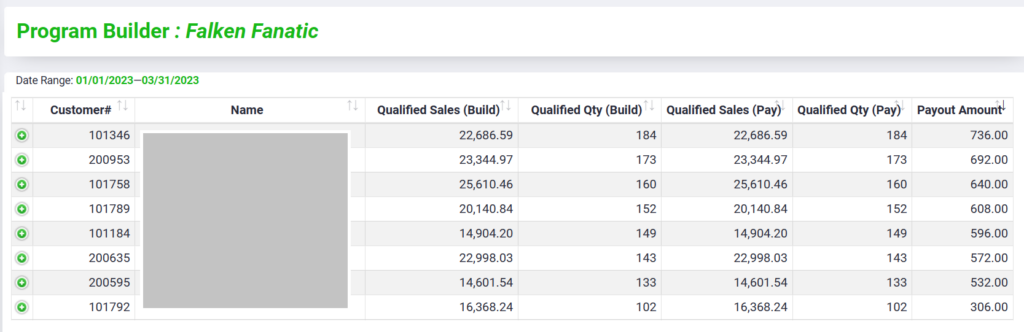
Reports can be run on any program that has already been setup and configured (click here to see how to setup programs).
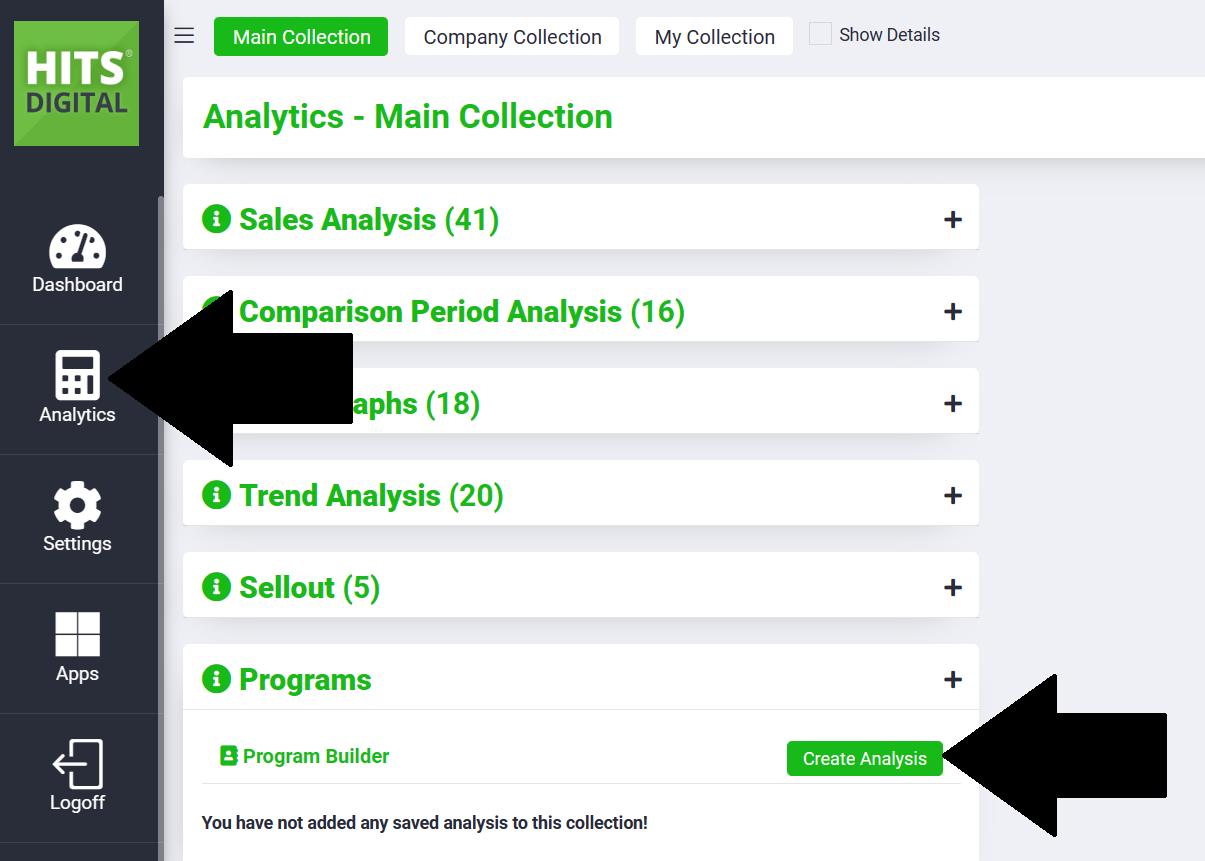
To create a new report in HITS Digital, go to Analytics, Programs, and Create Analysis.
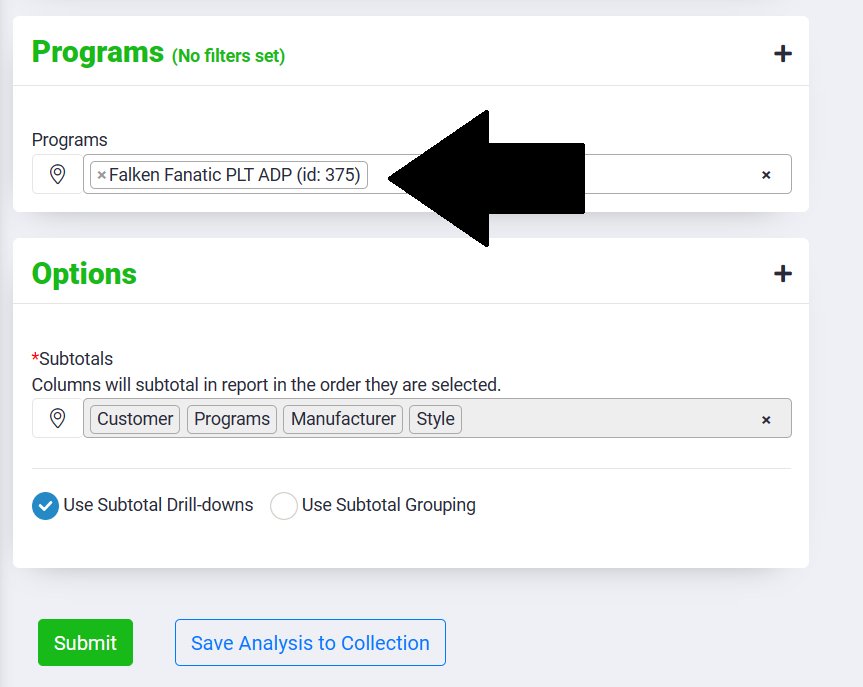
Under the Programs section, enter all the programs you will be adding to this report.
The report can accommodate multiple programs. Also consider that multiple programs may have been created in HITS Digital to accommodate a single manufacturer program. Since a programs can only have only payout structure, multiple programs may need to be created to report the correct payout.
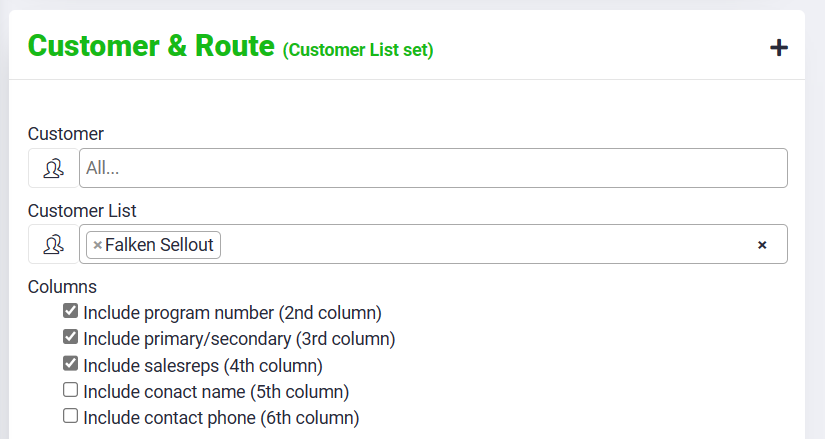
The report can be run a single customer, all customers, or a customer list.
Running for all customers may be a good way to find potential prospects within your customer base for a program.
Running for a customer list would allow you to add spreadsheet data to the report such as the customer’s program number, whether you are their primary or secondary supplier, as well as other helpful information such as their salesrep. (This information would need to be added to the uploaded customer list).
Click Submit to run your report, and if you are satisfied with the results, you can Save Analysis to Collection for future use.