
A parts matrix is used to automatically calculate the selling price of a part based on the part’s cost.
In HITS, these are often used for outside parts with product codes such as OPP (Outside Purchase Parts); OPT (Outside Purchase Tires); OPW (Outside Purchase Wheels); and OPD (Outside Purchase Dealership Parts). You can also create your own outside part codes.
To edit the outside parts matrix go to:
1. Views > Admin & Utilities > Inventory > Inventory Add/Edit Delete
2. Enter the Product # you are editing (and TAB or ENTER) to find the product.
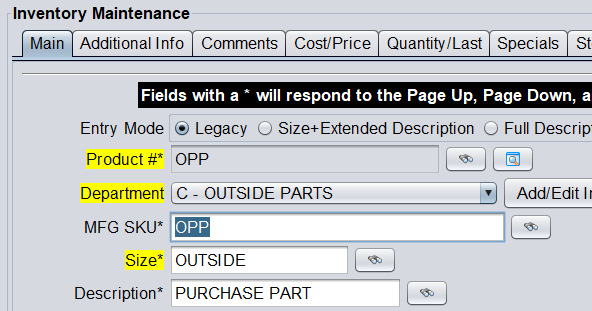
3. Go the Cost/ Price tab to edit the pricing.
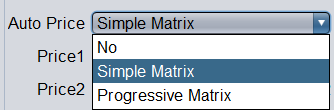
4. To activate a matrix, make sure Auto Price is set to either Simple Matrix or Progressive Matrix.
5. Proceed to enter your cost breaks and factors. You can use the Test Auto Price tool to plug in a cost and click Calculate Price to see what the price will be based on your matrix.
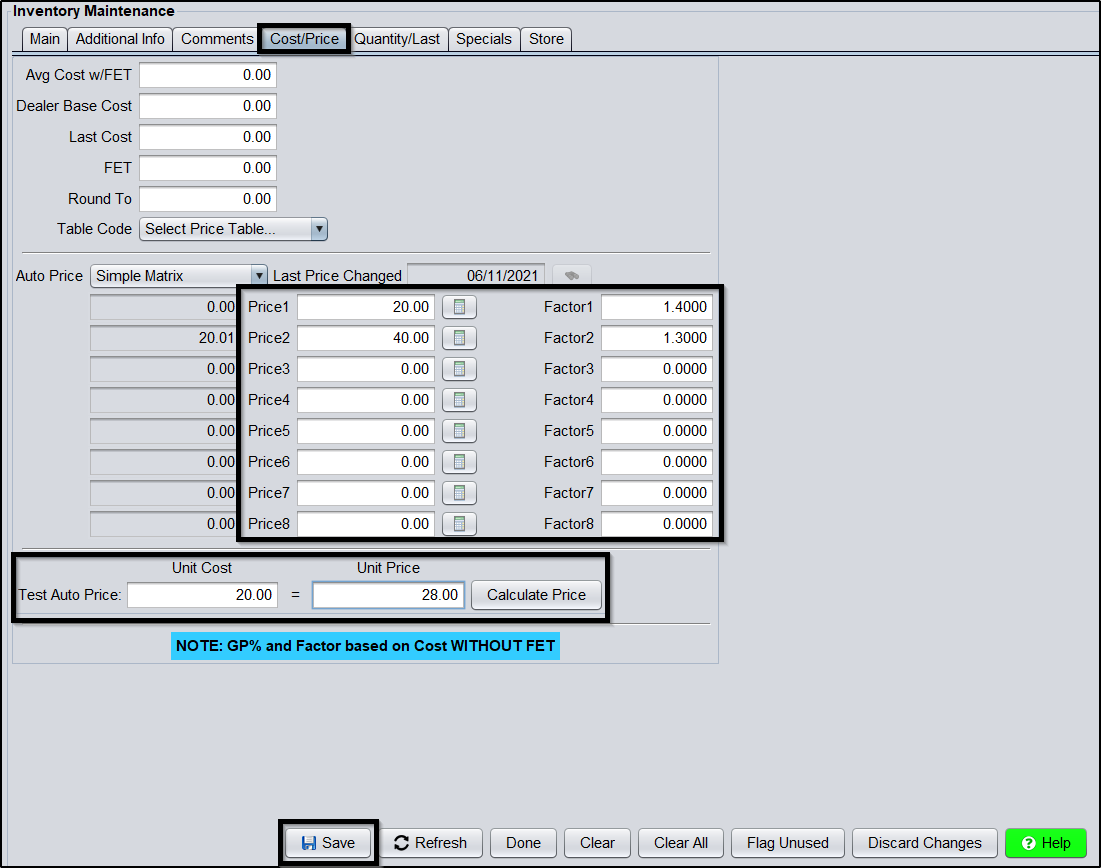
Factors 0.00 – 0.99 are used for Gross Profit
Factors 1.00 – 1.99 are used for Markup (if adding a markup more than 99%, you may need to convert the Markup percentage to Gross Profit percentage)
Factors 2.00 – 99.99 are used for Dollar Adder
6. You can also add a Round To amount to round all prices.

7. Click Save to save changes to your parts matrix.