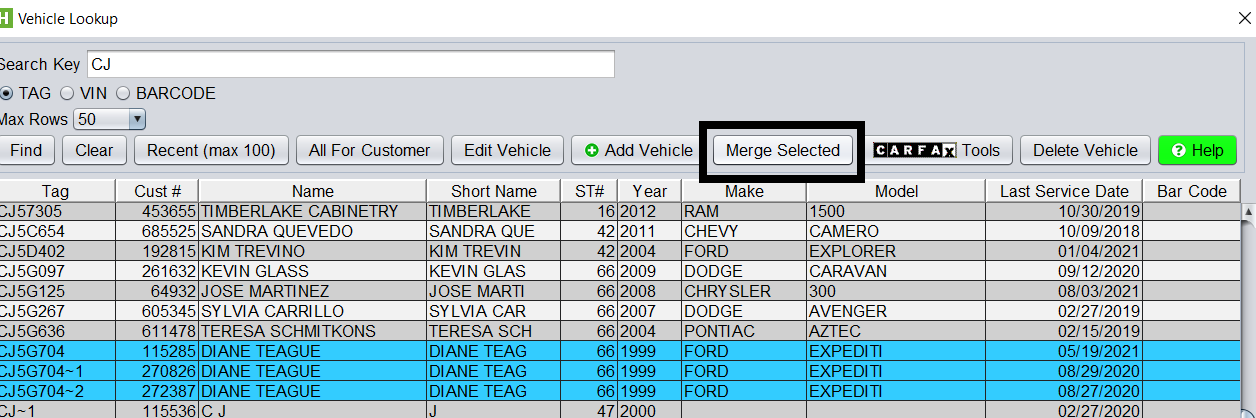
To merge vehicles in HITS, you can select multiple vehicles from the Vehicle Lookup screen (by holding down the CTRL key on your keyboard), and then clicking the Merge Selected button.
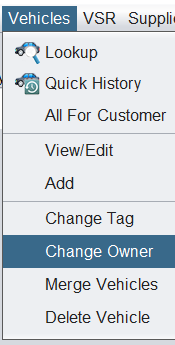
Alternatively, you can go to Vehicles > Merge Vehicles from the top menu.
From the Merge Vehicles screen, you can continue to add or remove vehicles to be merged.
To finalize the merge, select the vehicle you would like to the other vehicles to be merged to, and click the Merge to Selected Vehicle button.
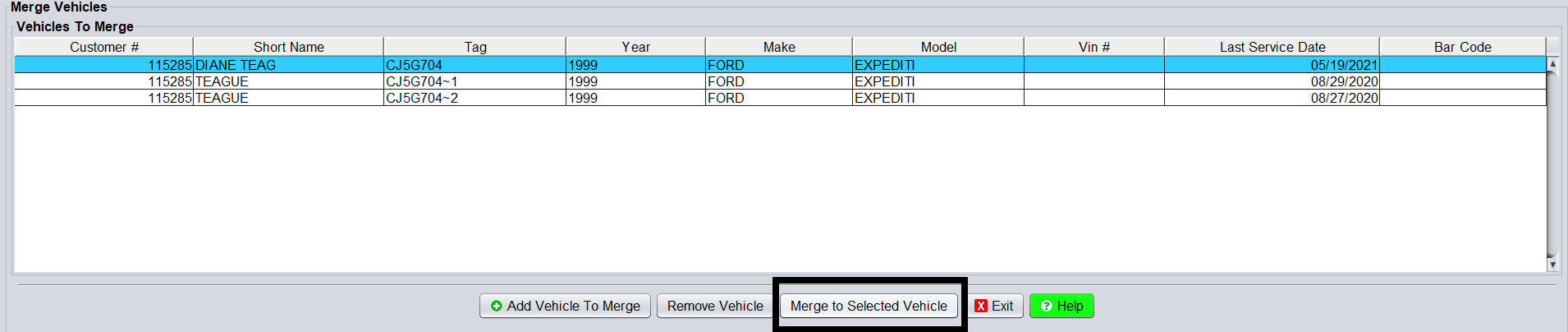
This will merge all history and to the selected vehicle.
Note: To merge vehicles, they must belong to the same customer. If the vehicle you are wanting to merge belongs to different customer, you will need to use the Change Owner function to ensure one customer owns all vehicles to be merged.