
Program tracking can be added to your wholesale Tirelink (B2B) website allowing your customers to track the status the programs they are enrolled in. These could be manufacturer programs or your internal rewards program.
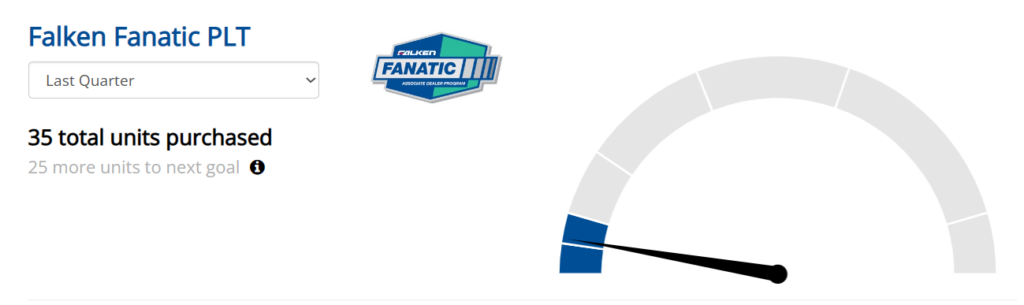
Setup on Tirelink
The majority of program configuration need to be made in HITS Digital. However, there is a one time process to activate programs on your website. Please contact HITS Support to perform this activation.
HITS Support will take these steps to activate your website for programs:
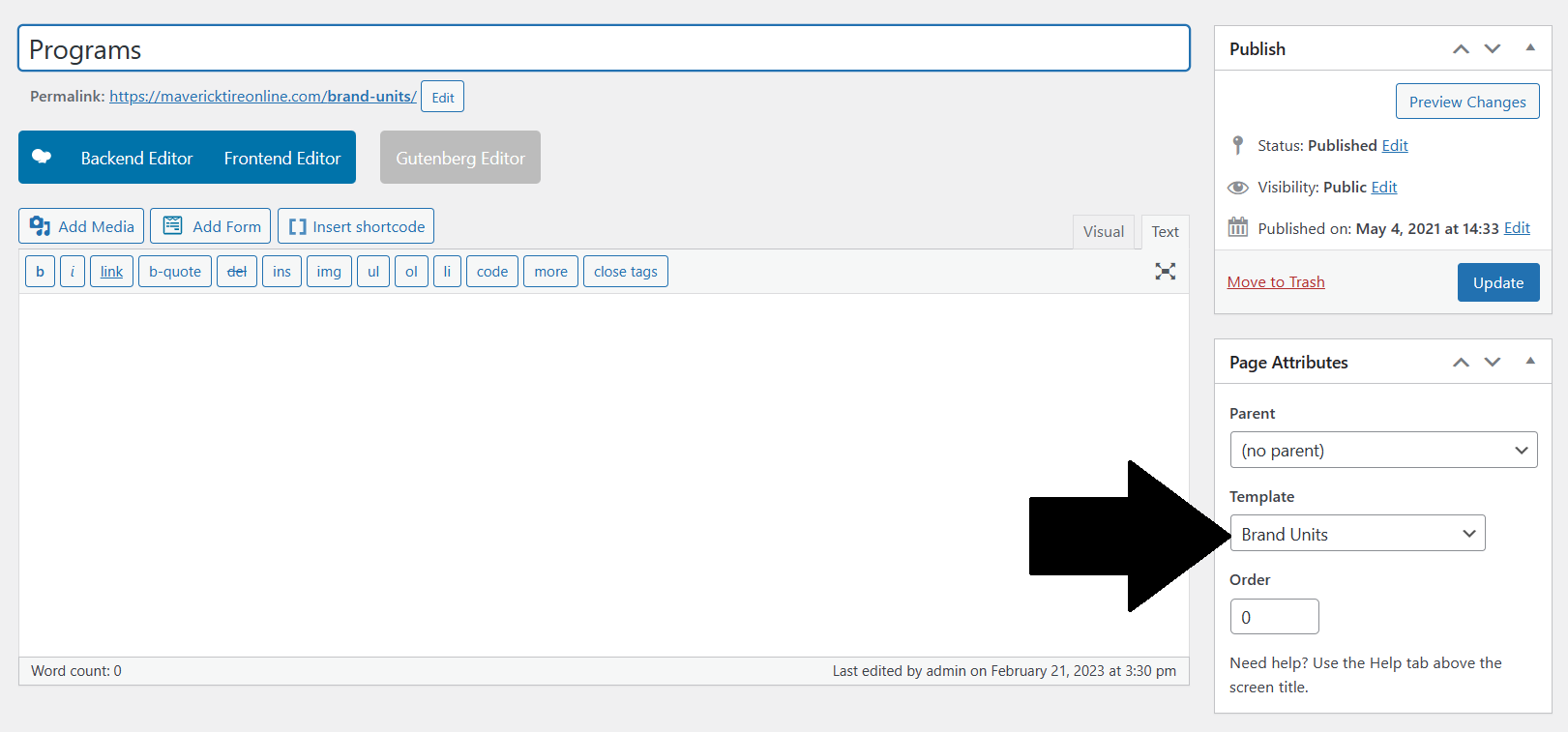
1. Create a new page called “Programs”
2. Use the page template titled “Brand Units”
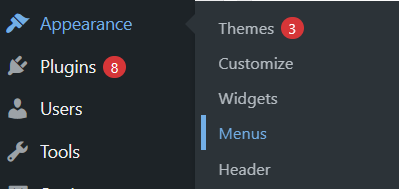
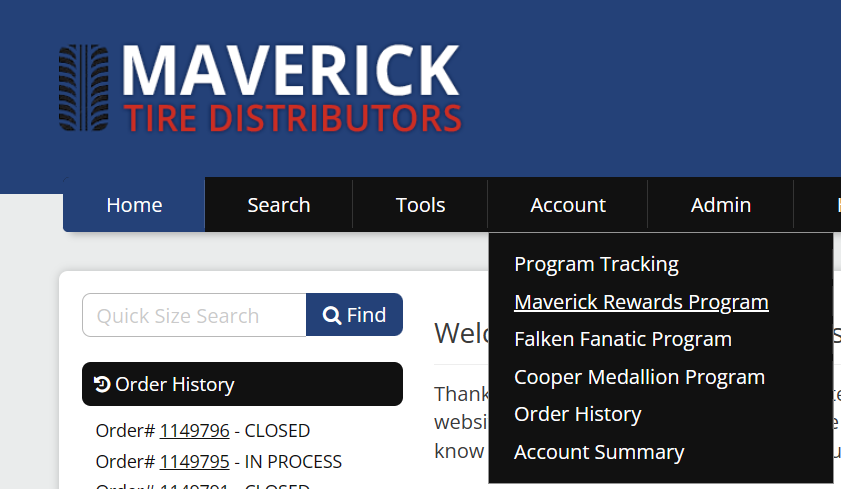
3. Add this page to the appropriate Menu location (usually added under the Account menu).
Note: For programs to show up on your Tirelink website, ensure the “Portal API Environment” under HITS Connection is set to Production.
!!Recommendation: The Programs page setup above will only include the tracking for customers active on a program. We would recommend creating another page that “advertises” all programs offered by your company (or a page for each program). Additional menu links can be added for these page or can link to manufacturer websites.
Setup on HITS Digital
When setting up programs on HITS Digital, there is a section for adding the Tirelink info. This section will control how programs display on your Tirelink website.
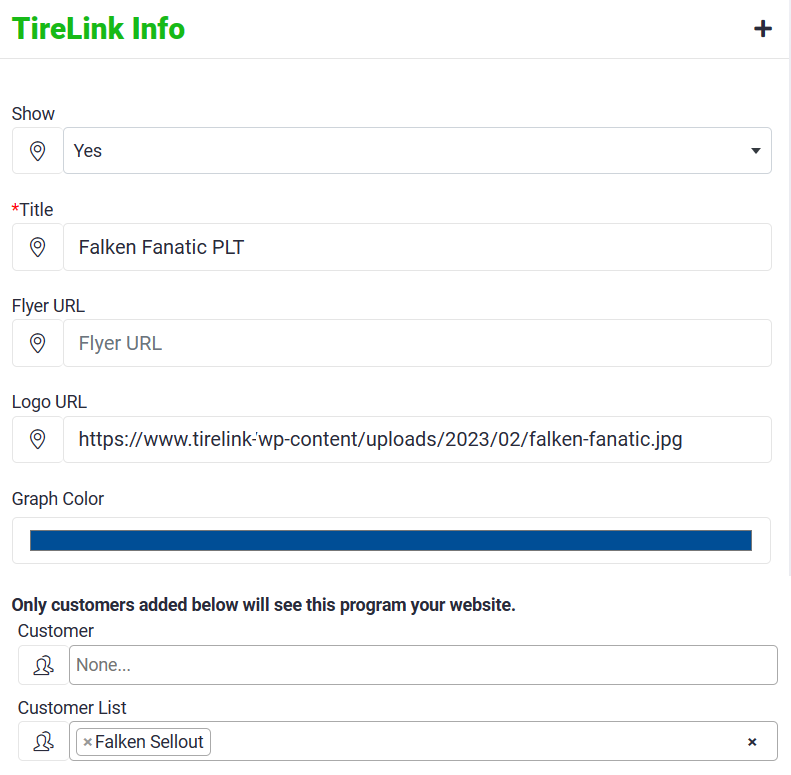
Show: “Yes” will make this program visible on your website to customers who are enrolled. “No” will keep the program from displaying on your website
Title: Display title that shows on the website
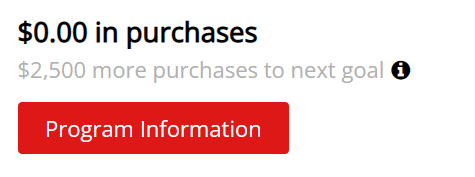
Flyer URL: On the website, there is a button call “Program Information” that will display if you have loaded a flyer URL. A flyer URL (for example) could be a PDF created by a manufacturer for their program. The flyers can be upload to your Tirelink site similar to a product image.
Logo URL: A URL of a logo can be added here. This could be used for a manufacturer logo or your logo.
Graph Color: Accent color used for this program
Default Date Range: Will default the program report period.
Customer: Use this filter if setting up a the program for one customer (or a handful of customers)
Customer List: Use this filter is activating the program for a list of customers that you have previously loaded to HITS Digital via a Customer List.
Only customers added via ‘Customer’ or ‘Customer List’ will see the given program on the website!