
1.) Click the Create Button
Start a new Quote or Work Order and select the appropriate Sales Rep.

2.) Ask for Customer Name
Look up the customer or create a new one. Attach or add a vehicle if needed.
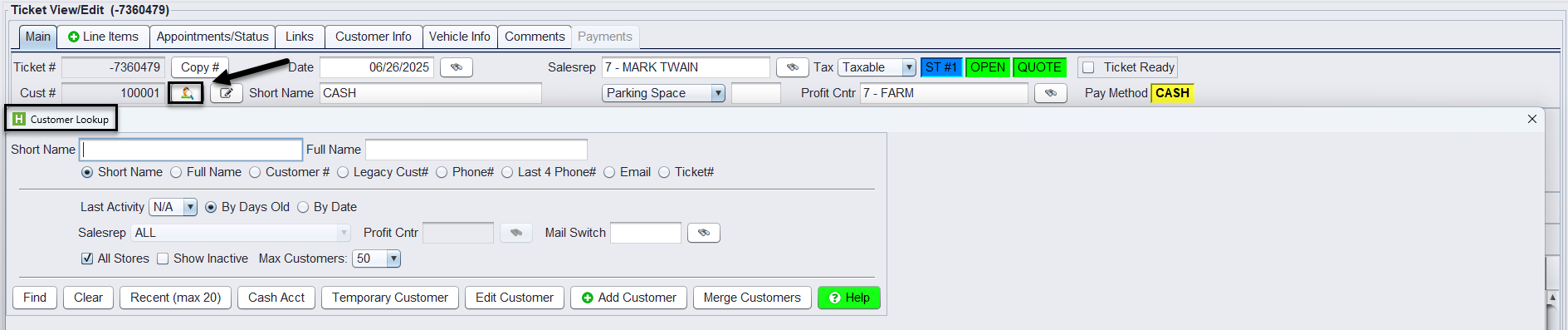
3.) Add Items Using Main Tab Shortcuts
Use the green buttons (Product, Quick Code, Service, Package, etc.) to add parts and services.

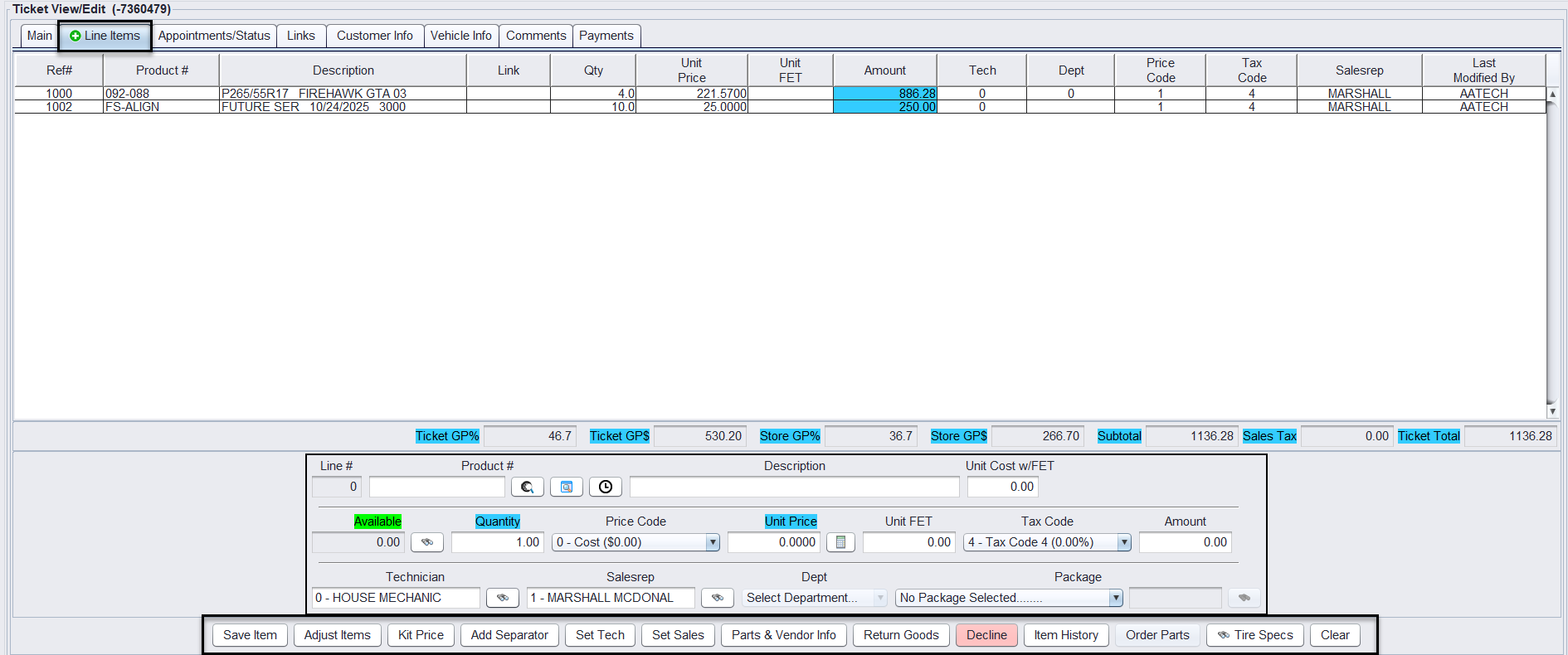
4.) Review Line Items Tab
Check item details, assign technician if needed, and make any edits.
5.) Convert Quote (if applicable)
Once the customer approves, convert the quote to a work order.

6.) Complete the Work
Ensure all services and installations are completed as listed and mark the Ticket Ready.

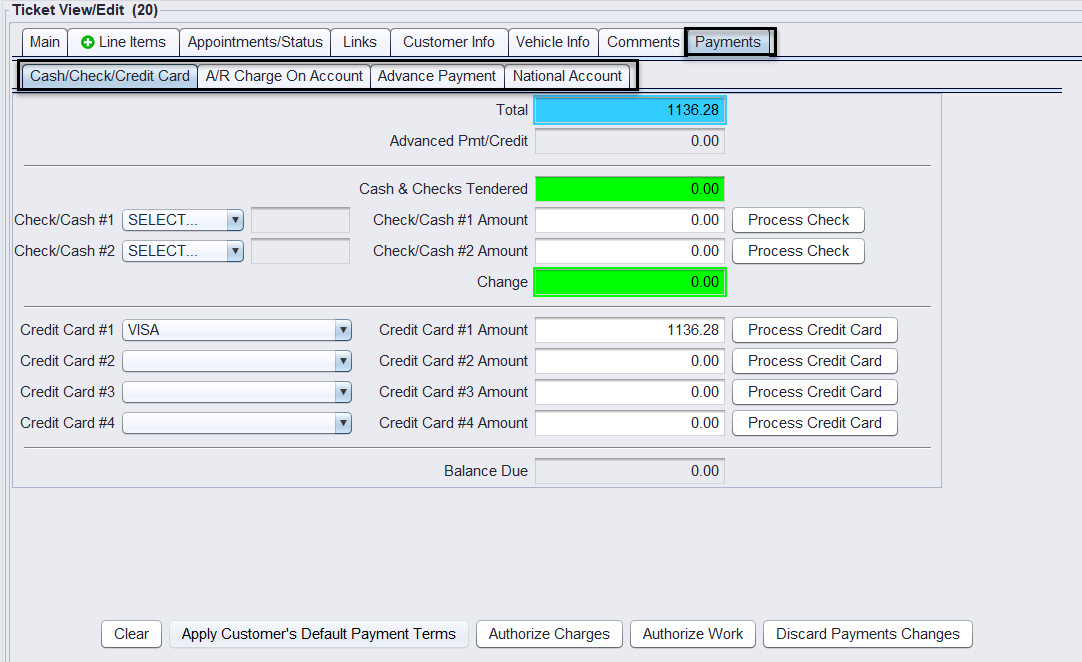
7.) Go to the Payment Tab
Apply payment and confirm totals.
8.) Finalize and Close Ticket
Click Close Ticket to complete the sale.
