
To view service history for a vehicle, if you do not have the vehicle pulled up already, go to the Vehicle Lookup to find the vehicle.
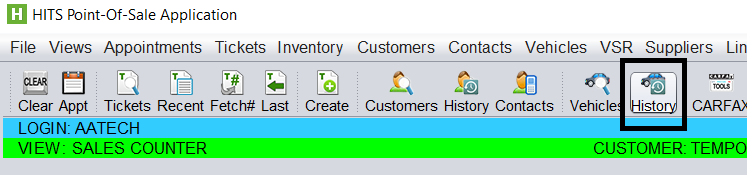
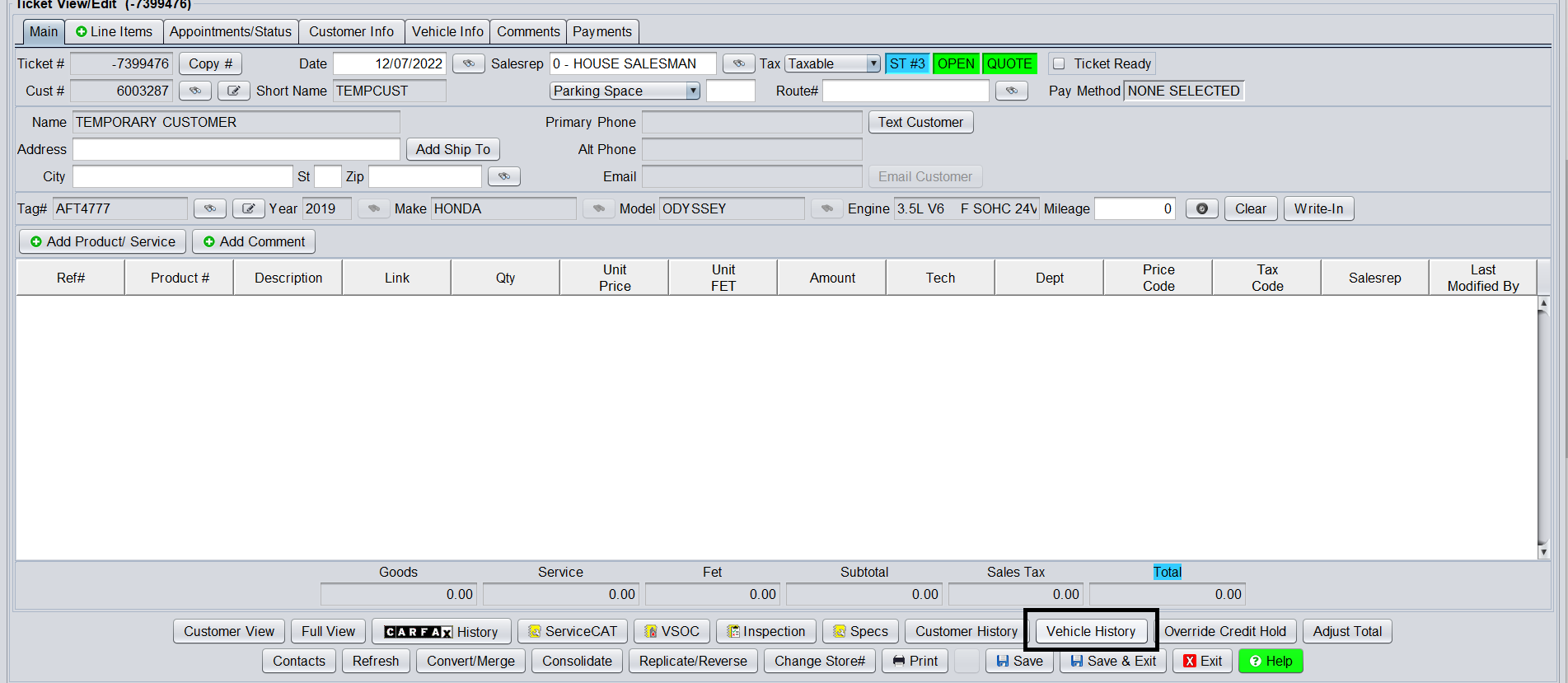
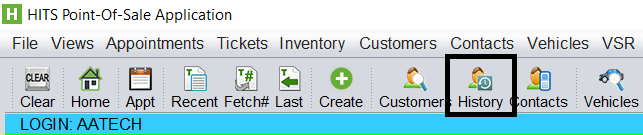
Then click the Vehicle History button from either the toolbar…
Or from the ticket…
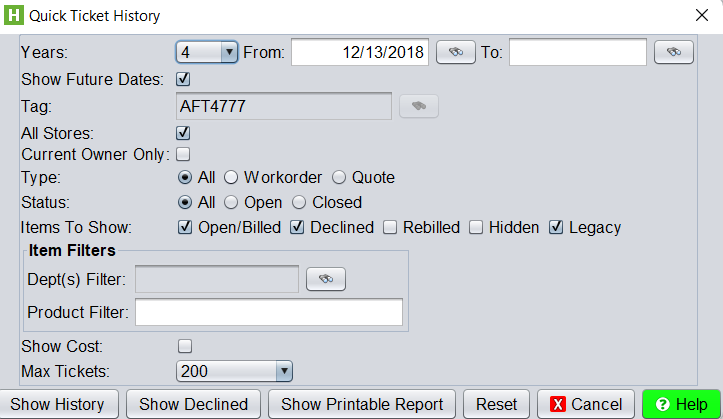
Prior to viewing the history, you will be prompted for filters such as how many years of history to view, which ticket types to include, as well as options such as including items the customer has previously declined.
Click Show History button to view history.
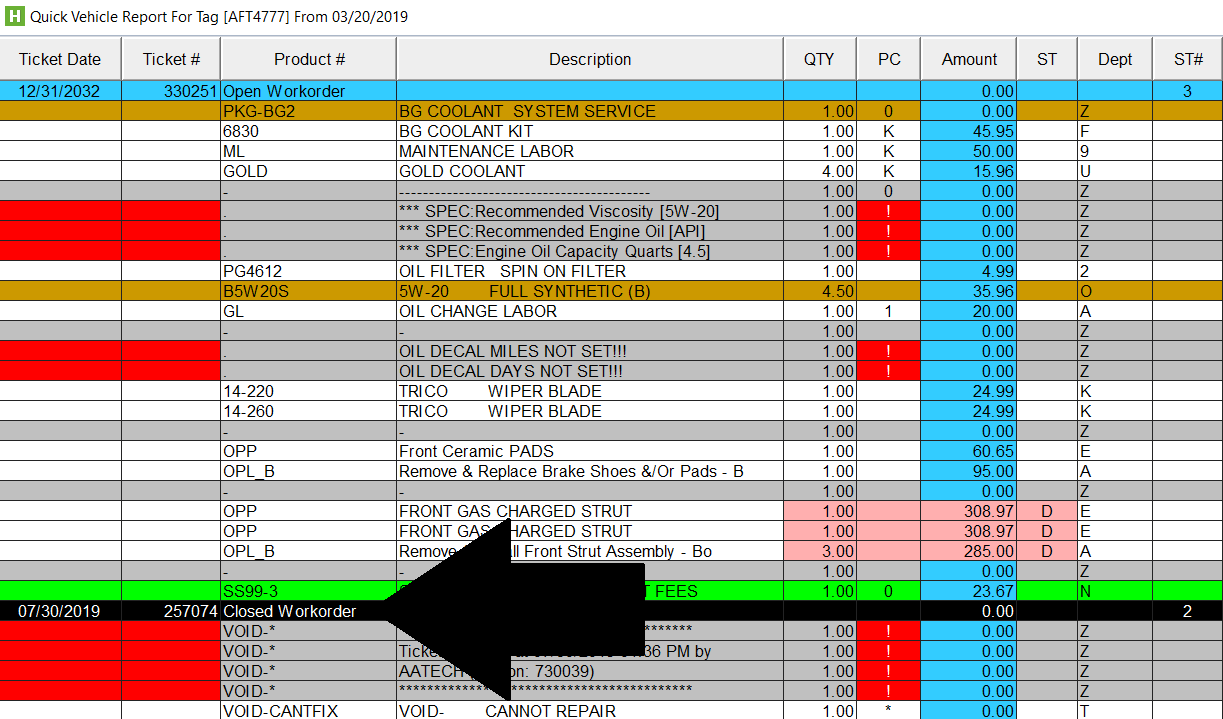
The history will display full line item item details for all previous (and future) tickets. All black rows indicate a new ticket. You can double click the black ticket row to open that ticket.
History can also be viewed in the system via the Customer History option. This will include history for ALL of the customer’s vehicles.
Additionally, from the CARFAX History option, history can be viewed for work that was done by another shop. (To see history from another shop, that shop must be reporting data to CARFAX).
